The search intent behind "roblox scripts" is answered here with a clear summary, official next steps, and safety notes before you leave this page.
Why people search scripts
Scripting Safety searches can mean two very different things. Creators may want Luau scripts inside Roblox Studio. Other users may be looking for executors, cheats, hacks, or mods that manipulate live games. This page is defensive and does not provide exploit code or download links.
If your goal is to learn scripting, use Roblox Studio and Creator Hub. If your goal is to bypass a game, understand that you may risk your account and device.
Executor and cheat risk
Executors and cheat tools can violate Roblox rules, trigger moderation, steal credentials, install malware, or expose browser cookies. Popularity does not make a tool safe. Many malicious downloads use Roblox branding and fake comments to create trust.
Never paste scripts you do not understand into tools that ask for elevated permissions. Never share authentication cookies or tokens.
Legitimate scripting
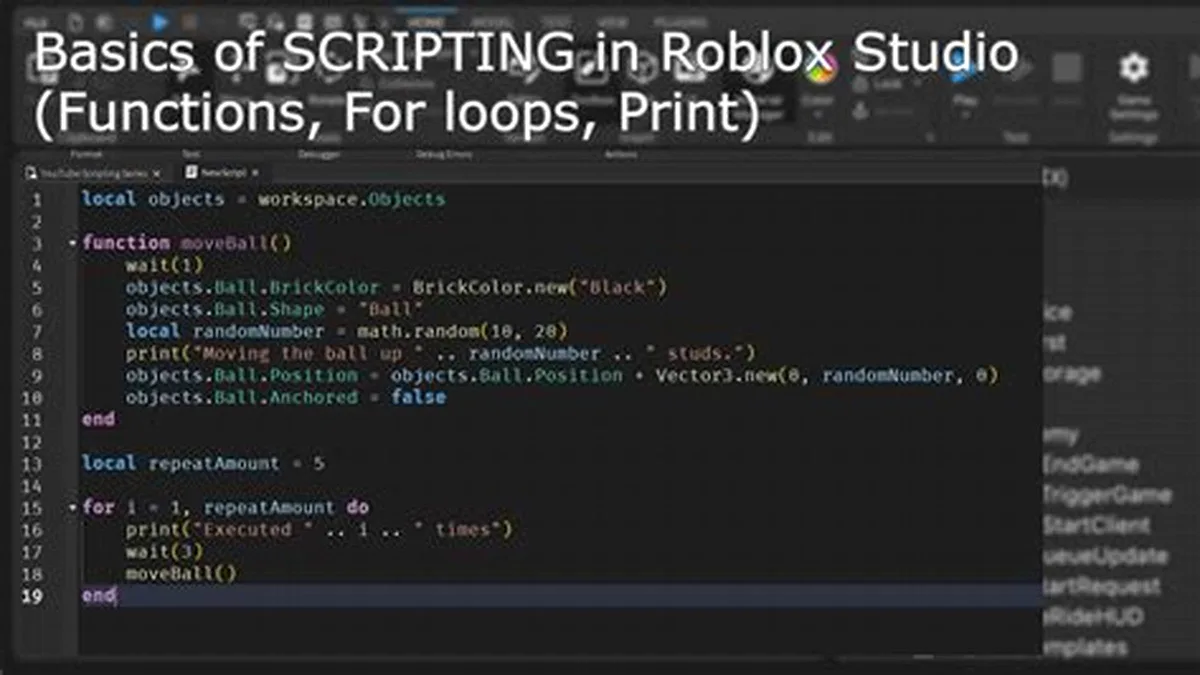
Roblox Studio uses Luau for legitimate game logic. You can script doors, shops, checkpoints, UI, data saves, combat systems, pets, and monetization features inside your own experience. That is the safe path for learning how Roblox works.
Start with small Studio projects, official tutorials, and clean source control. Learning real scripting creates useful skills instead of account risk.
Safer alternatives
If a game feels unfair, leave feedback, choose another experience, or play private servers where rules are clear. If performance is the problem, use settings and device troubleshooting rather than executors.
For parents, script and executor searches are a reason to discuss account safety, downloads, and why “free wins” tools are often scams.
What Is The Safe Boundary For Roblox Scripts?
The search intent behind “scripting safety” splits into legitimate creation and unsafe exploitation. A creator writing Luau inside Roblox Studio is working within the platform. A player using an executor to manipulate someone else’s live game is taking account, device, and rule-enforcement risk.
This page keeps that boundary explicit. It does not provide executor downloads, bypass instructions, exploit snippets, or cheat links. It explains how to learn real scripting through Studio and why exploit claims are often tied to credential theft or malware.
The safest next step for genuine learning is Creator Hub, Studio templates, and small projects. The safest next step after downloading a suspicious tool is to remove it, scan the device, change passwords from a clean device, and enable two-step verification.
How Can You Learn Roblox Scripting Legitimately?
Roblox Studio uses Luau for legitimate gameplay systems. Beginners can build doors, checkpoints, shops, inventory UI, pets, combat logic, data saves, round timers, and simple monetization tests inside their own experiences. That kind of scripting builds skills without risking an account.
Start with one small mechanic and test it locally. Learn events, services, server scripts, local scripts, remote events, permissions, and data safety before publishing. Keep a copy of working code so you can recover from mistakes.
A legitimate script should be readable, scoped to your own place, and explainable. If a pasted script requires an executor, token, cookie, or unknown binary, it is not a safe learning path.
What Should Parents Know About Executor Searches?
Executor searches often look like harmless game help, but they commonly lead to unsafe downloads. Children may think they are getting a boost, code, or admin command, while the page is actually pushing malware, fake verification, or credential theft.
Parents should discuss why free-win tools are risky, review recent downloads, and keep device permissions appropriate for the child age. If an account starts sending strange messages or losing items after a download, treat it as a possible compromise.
Use Roblox parental controls, device-level download restrictions, and clear rules about off-platform links. The goal is not to punish curiosity; it is to move that curiosity toward Studio, safe programming, and official creator education.
What Warning Signs Point To Unsafe Roblox Script Pages?
Unsafe pages often promise free Robux, admin powers, invisible moderation bypasses, auto-farming, or one-click wins. They may require a browser extension, executable file, Discord verification, password entry, cookie copying, or survey completion before showing anything useful.
A legitimate Roblox learning resource does not need account cookies or executors. It explains concepts, shows Studio examples, and keeps code inside experiences that you own or have permission to edit. If the tool only works by injecting into someone else’s game, it belongs in the unsafe category.
Players should close the page when the instructions become secretive or pressure-heavy. Malware campaigns often use urgency, fake scarcity, fake comments, and copied Roblox logos to make a download feel normal. Slowing down is the safest choice.
What Should You Do After Running A Suspicious Roblox Tool?
If you already ran a suspicious tool, disconnect from the page, remove the file, scan the device with trusted security software, and change your Roblox password from a clean browser or device. Enable two-step verification and review account sessions if the settings are available.
Check recent purchases, trades, private messages, group actions, and linked email settings. If anything changed without permission, collect screenshots and contact Roblox Support. Do not ask public forums to recover the account by sharing private security details.
Treat the incident as a device and account issue, not just a game issue. Executor downloads can affect more than Roblox, so review browser extensions, startup apps, and other accounts that may share passwords. The safest long-term fix is learning real Studio scripting instead of chasing exploit tools.